Cybersecurity threats have become increasingly prevalent in today’s digital age, and protecting your data has become more important than ever.
Cybercriminals are constantly developing new ways to gain access to personal information, steal identities, and commit financial fraud. Fortunately, you can take measures to protect yourself and your data.
This article will discuss the most common cybersecurity threats and the measures you can take to safeguard your data.
Cybersecurity Threats:
-
Phishing Attacks
Phishing attacks are one of the most common types of cyberattacks. They occur when a cybercriminal sends an email or message that appears to be from a legitimate source, such as a bank or a social media platform. The message usually contains a link that, when clicked, takes the user to a fake website that looks identical to the real one. The user is then prompted to enter their login credentials, which the cybercriminal can use to access their account.
Read also: Revamp Your Career in 2023 with These Top 10 Sites.
-
Malware
Malware is a type of software that is designed to harm or disable a computer system. It can take many forms, including viruses, spyware, and ransomware. Malware can infect your computer through email attachments, downloads, or website pop-ups. Once installed, malware can steal your personal information, damage your computer, or even lock you out of your system until you pay a ransom.
-
Password Attacks
Password attacks occur when a cybercriminal attempts to access your accounts by guessing or stealing your passwords. This can be done through brute force attacks, where the cybercriminal uses software to try multiple password combinations until they find the correct one. Alternatively, they may use social engineering tactics, such as phishing emails or phone calls, to trick you into revealing your password.
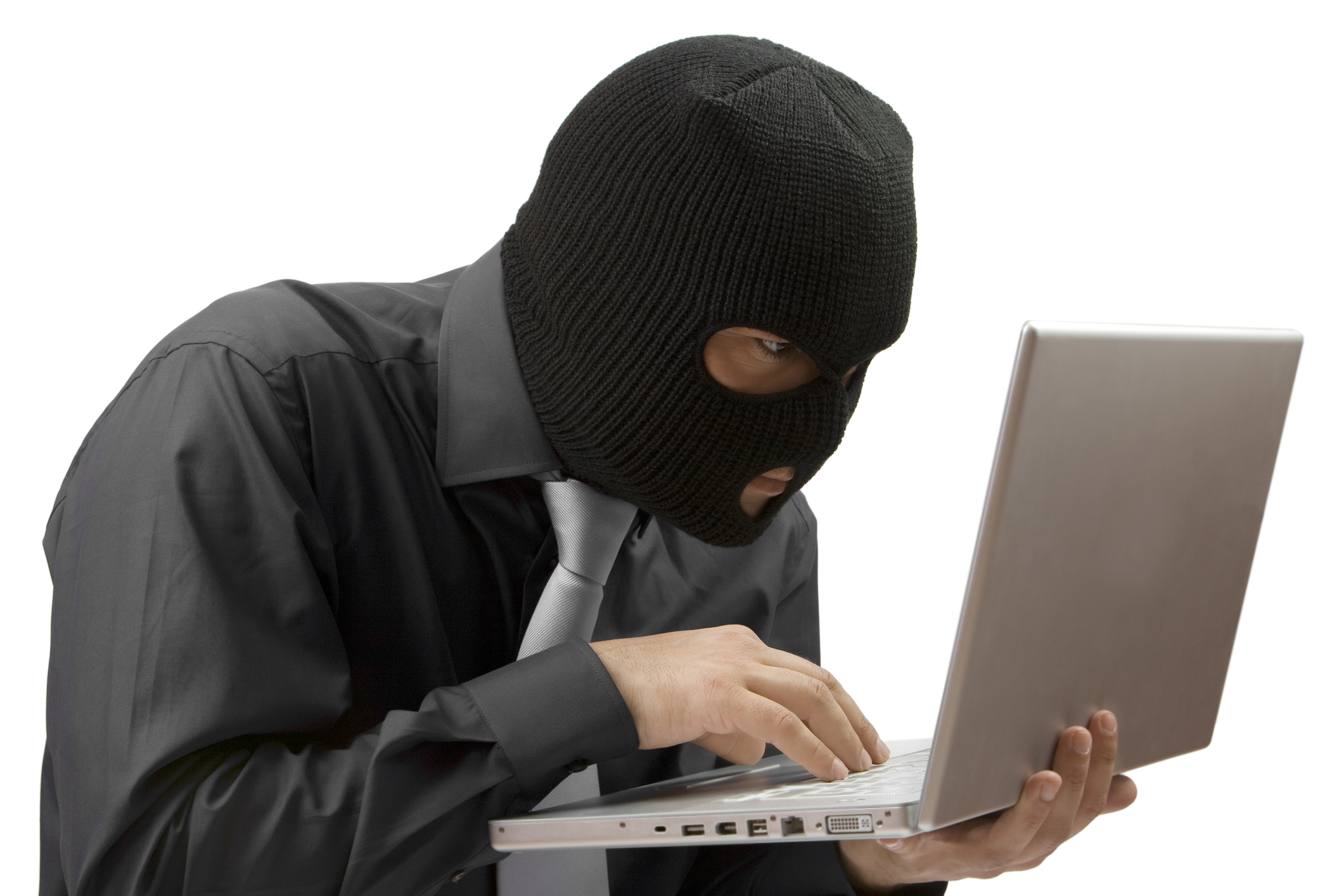
Measures to Protect Your Data:
-
Use Strong Passwords
One of the easiest ways to protect yourself from password attacks is to use strong, unique passwords for each account. A strong password should be at least 12 characters long and include a mix of letters, numbers, and symbols. You can use a password manager to generate and store strong passwords securely.
Read also: Social Media: How to Protect Your Mental Health in the Digital Age.
-
Keep Your Software Up-to-Date
Software updates often include security patches that fix vulnerabilities that could be exploited by cybercriminals. Keeping your operating system, web browser, and other software up-to-date is important to protect your data.
-
Use Antivirus Software
Antivirus software can detect and remove malware from your computer. It’s important to have antivirus software installed and regularly updated to protect against new threats.
-
Be Wary of Suspicious Emails and Links
To protect yourself from phishing attacks, be wary of emails or messages from unknown senders or that contain suspicious links. Always verify the sender’s email address and hover over links to see where they lead before clicking on them.
Read also: Expert Tips For Building An E-commerce Business.
-
Backup Your Data
Regularly backing up your data can protect you from data loss due to malware or hardware failure. You can use cloud storage or an external hard drive to store backups of your important files.
Follow us on Twitter for more news updates.







Comments 1